
GO Far.
and maybe a bit further.
Know your coulombs…. No but seriously.
Configure your on-board battery storage system wisely and get where you need to be… and back home.
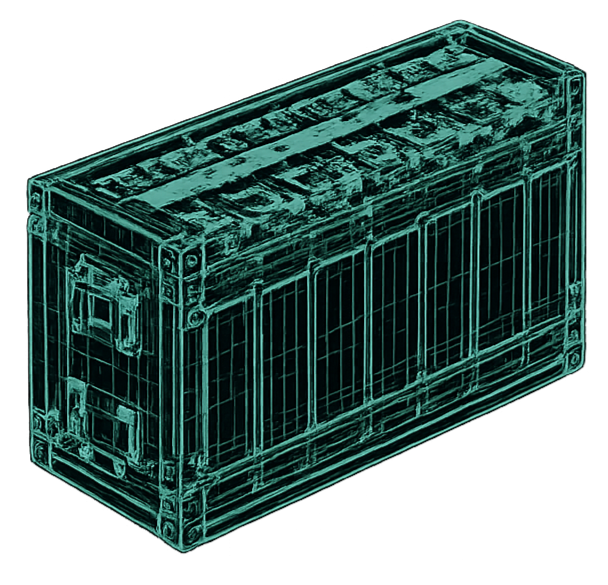
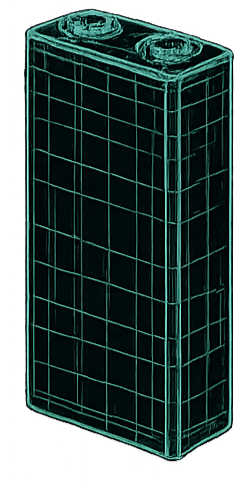
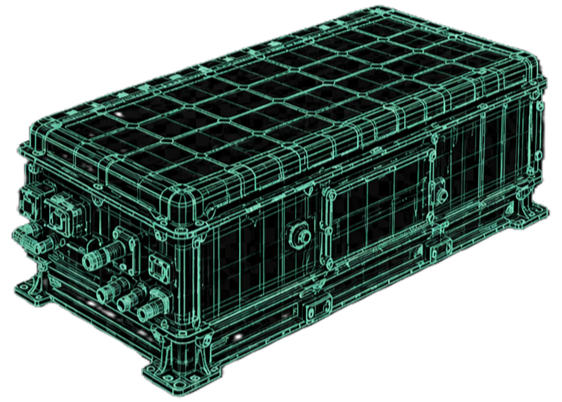
Battery Pack Configurator
Build from cell to module to full HV pack. Calculate voltage, energy, current limits, deliverable power, cost density, and DCR-based fast-charge thermal load.
Cell Definition
Module & Pack Layout
Cost Inputs
Thermal Inputs
Pack Split Config
Split the total module stack into separate physical packs. Useful for underfloor boxes, rear boxes, serviceable sub-packs, or avoiding one giant spicy brick.
Pack Split Summary
Each split pack is calculated from the number of modules assigned to it.
| Pack | Modules | Cell Layout | Nominal Voltage | Voltage Window | Energy | Tap Count |
|---|---|---|---|---|---|---|
| Calculate pack to generate split summary. | ||||||
Cable & Busbar Thermal Budget
- Resistance input method: enter measured mΩ from milliohm testing, or calculate from material, length, and CSA.
- Naming shorthand: P1 = Pack 1, M6 = Module 6, (+)CON / (-)CON = positive / negative connector.
- Switchgear shorthand: (+)CTTR / (-)CTTR = positive / negative contactor, MSD = pack service disconnect.
- Example: P1_M6_to_(-)CTTR_A = Pack 1 Module 6 to negative contactor A-side.
Pack Loss break down (editable)
Use measured mΩ where available. The table viewport shows 10 rows at a time; header row and item name stay pinned while you scroll.
Fast Charge Range
DC Fast Charge Thermal Table
Rows are highlighted when they align with continuous or peak charge C-rate limits. Swipe sideways on mobile; header row and charge power column stay pinned.
| Charge Power | Pack Current | Cell Current | Charge C-Rate | Pack Resistive Heat | Cell Heat | Cooling Flow |
|---|---|---|---|---|---|---|
| Calculate pack to generate fast-charge thermal table. | ||||||
Design Notes
Battery Configuration Summary
Swipe sideways on mobile. Header row and first column stay pinned.
| Parameter | Cell Level | Module Level | Pack Level |
|---|---|---|---|
| Configuration | |||
| Configuration | Single cell | — | — |
| Cell Count | 1 cell | — | — |
| Series / Parallel | 1S1P | — | — |
| Tap Count | — | — | — |
| Voltage & Energy | |||
| Voltage Window | — | — | — |
| Nominal Voltage | — | — | — |
| Capacity | — | — | — |
| Nominal / Gross Energy | — | — | — |
| Usable Energy | — | — | — |
| Current & Power | |||
| Continuous / Peak Charge Current | — | — | — |
| Continuous / Peak Discharge Current | — | — | — |
| Continuous / Peak Deliverable Power | — | — | — |
| Cost | |||
| Total Cost | — | — | — |
| Cost per kWh | — | — | — |